

Library
The Kangaroo Island Library consists of two branches located in Kingscote and Penneshaw. The library offers a number of services and facilities such as computers, printing (at a cost), free Wi-Fi, as well as a wide selection of physical and digital items to borrow. The library also facilitates a wide range of programs, which are detailed below.
Storytime
Kangaroo Island Library runs a Storytime session every Thursday at 11.00 am in the Kingscote Library. Sessions last for 45 minutes and include a mix of stories, rhymes, finger plays and a craft activity. Sessions are free and bookings can be made by calling 08 8553 4500.
School Holiday Activities
Kangaroo Island Library runs a holiday program each school holiday. Sessions run for approximately 1 hour and are held in Kingscote Town Hall. Children aged 4 to 12 are welcome to joining in a great range of activities and entertainment. School holiday activities are free of charge and no bookings are required however parents should accompany their child. For more information on upcoming holiday programs please contact the library on 08 8553 4500.
Group Visits
Groups from schools, or similar, can arrange visits to the library. The structure of the visit can be tailored to suit the group’s needs and could include storytelling, a library quiz, a library tour and browsing/borrowing time for the participants. Please contact the library for more information or to arrange a visit.
How to become a member
Becoming a member of Kangaroo Island Library is easy and free.
To join the library you need to:
- show proof of identity and current address
(ie drivers licence, student card, proof of age card for proof of identity, utility bills, bank statements, residential tenancy agreement for proof of current address) - bring in a parent or guardian if you are under 18 years of age
- agree to comply with library policies, conditions and responsibilities
Member conditions & responsibilities
As a member of Kangaroo Island Library you must
- not remove items from the library unless a loan has been recorded.
- present your library card each and every time you wish to borrow an item and ensure that no-one else uses your library card.
- notify the library if your library card is lost and pay the replacement fee.
Note: members who fail to report the theft or loss of the library card will be held responsible for any items borrowed after the date of theft or loss. - take care of, and return, all items you have borrowed on your card by the due date.
Note: members who request another person to return an item for them are still responsible for that item. - pay for any lost, stolen or damaged items that have been borrowed on your card and pay for any overdue charges and fees on your card.
- behave in an appropriate manner at all times in the library.
- notify the library of any change of address and phone number and provide verification of the new details.
- comply with the Copyright Act 1968.
Additional conditions of membership
- Library staff have the right to ask a customer to leave the premises if they behave in a socially unacceptable manner and reserve the right to ban a person from the library premises for repeated unacceptable behavior in the library.
- Library staff reserve the right to inspect any bag, case, satchel, basket or trolley brought into the library.
- Neither Council nor library staff are responsible for any loss, damage or theft of personal property whilst a member is on library premises.
- Members may request to be deleted from the database. All borrowed items must be returned prior to making such a request.
- If a member does not comply with the conditions and responsibilities of membership, library staff may, at any time, cancel a member’s privileges or cancel a library card.
Customer confidentiality
Details regarding individual customers (such as addresses and telephone numbers) or the use of services by individuals (such as items borrowed) will not be provided by library staff to anyone, except the actual member or their guardian.
However, this information will be provided if required by legislation or if a Court Order is produced.
It may also be provided to other Kangaroo Island Council staff (for example to advise of updated contact details).
Now use your phone to check out books!
Would you like to check out books as you browse the library?
Now you can!
We’ve launched a new quick & convenient way to check out items at the library shelf with the LibrariesSA App.
Watch the video ( https://youtu.be/ch3JOQfTGyg ) to see how or just follow these easy steps:
- Open the LibrariesSA app and make sure you are logged in.
- Tap the SELF-CHECK icon from the right corner of the screen or use the Self-Check option lower down the page.
- Items check out to the default user - to check out to a linked account, select linked users fom the drop down box.
- Allow any location settings to be enabled.
- Click on 'Check-Out' - your phone will show 'Ready to scan'
- Place your phone on the back of the book over the RFID tag. This is normally a white rectangular tag on the underside of the back cover.
- The screen will display a message whether the loan has been successful.
- Repeat for any additional items - select the 'scan a library item' option
- Once complete, select 'Finish' in the top right corner of the screen. A popup will appear to confirm the number of items borrowed.
- Select OK to close. Your loans will appear in your My Account in the Checkouts menu.
Using Your Library Card Online
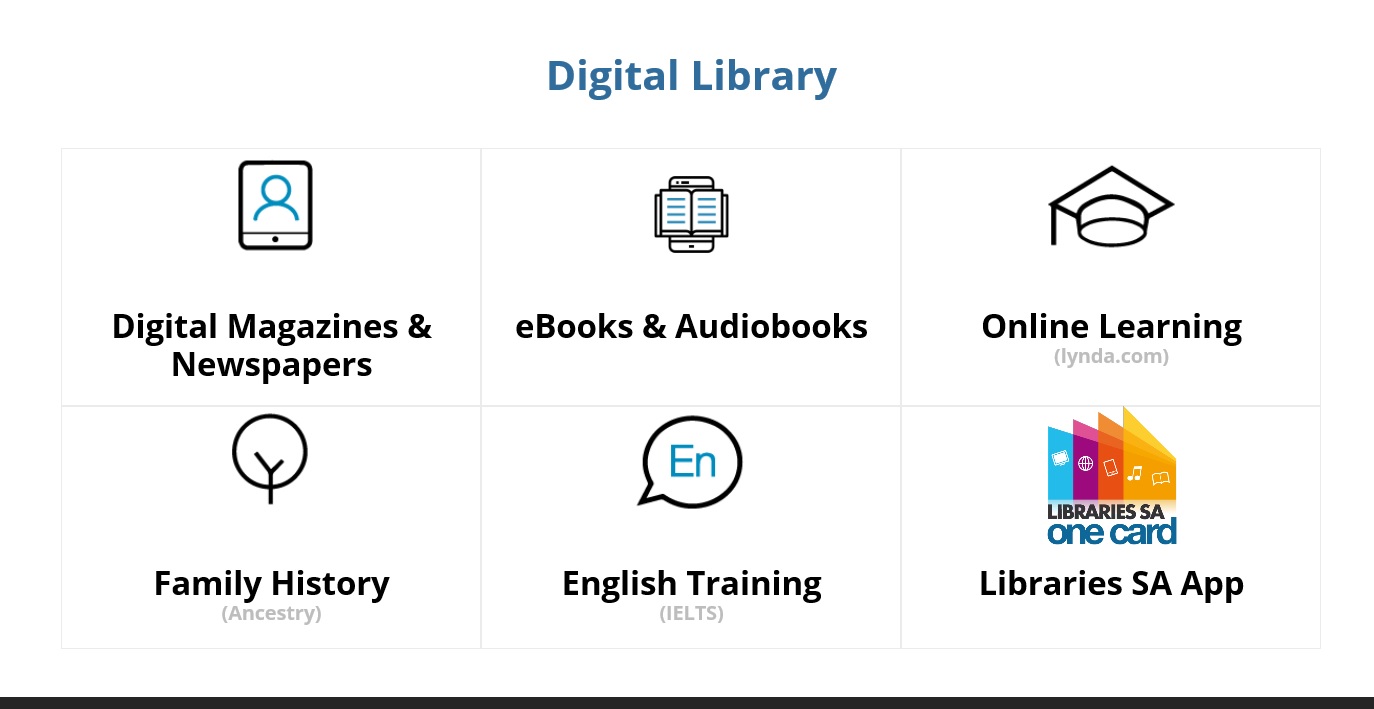
To access eBooks and audiobooks, access this link: https://sapln.overdrive.com/
On the right hand side of the page, click Sign in. Use your Library card number and PIN to log in (you can find your card number underneath the barcode on the back of your library card, starting with x). If you can't remember your PIN, please e-mail library@kicouncil.sa.gov.au. so we can reset it for you.
To access digital magazines and newspapers, please see this link: https://www.libraries.sa.gov.au/prlogin
You can use the same credentials outlined above to log in -- once you have signed in, you can access all publications from there. Here is a get started guide.
To access educational tools through LinkedIn Learning, access this link: LinkedIn Learning
You can log in using the same credentials and browse the available courses from there.
Members of Kangaroo Island Library can access the following online services:
Related Links
Kangaroo Island Library
43 Dauncey St
Kingscote SA 5223
Phone: 08 8553 4500
Monday to Friday
9:00am – 5:00pm
Email: library@kicouncil.sa.gov.au